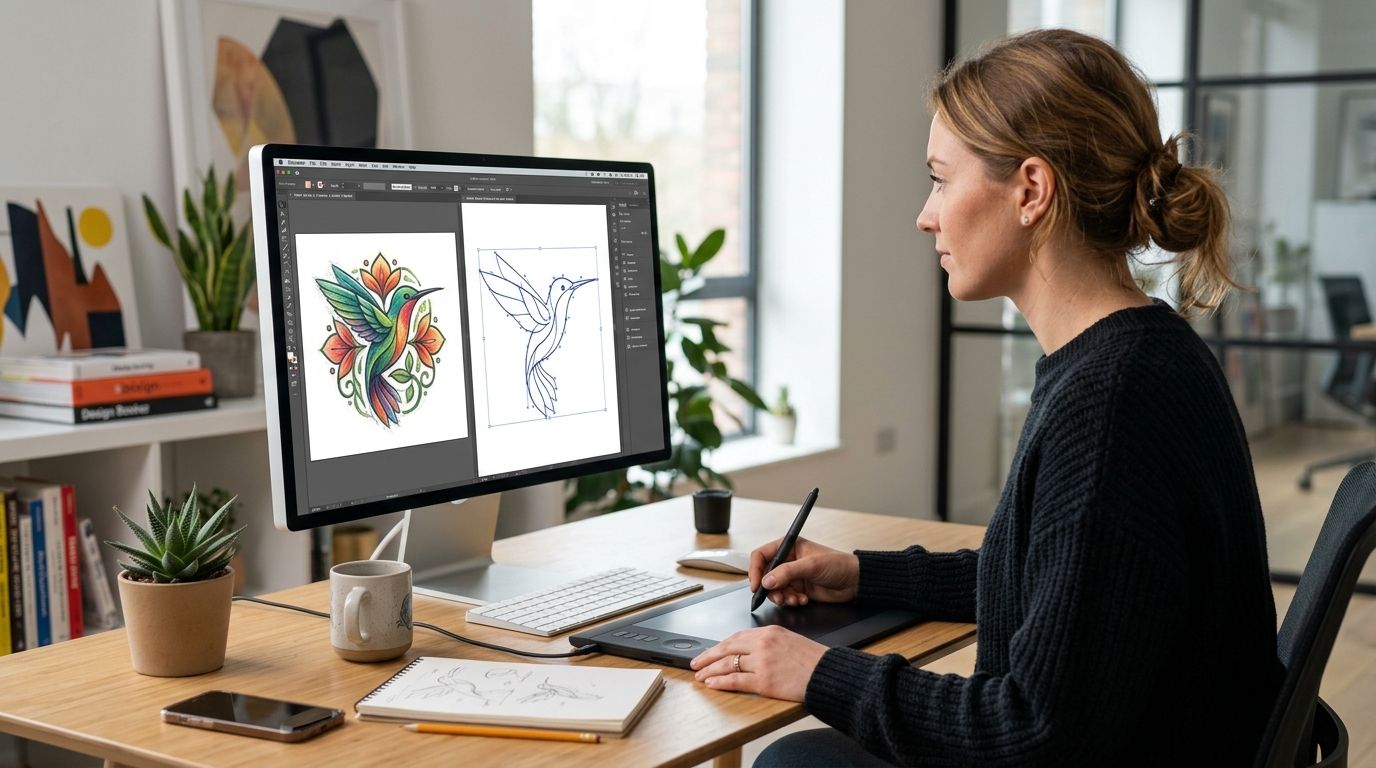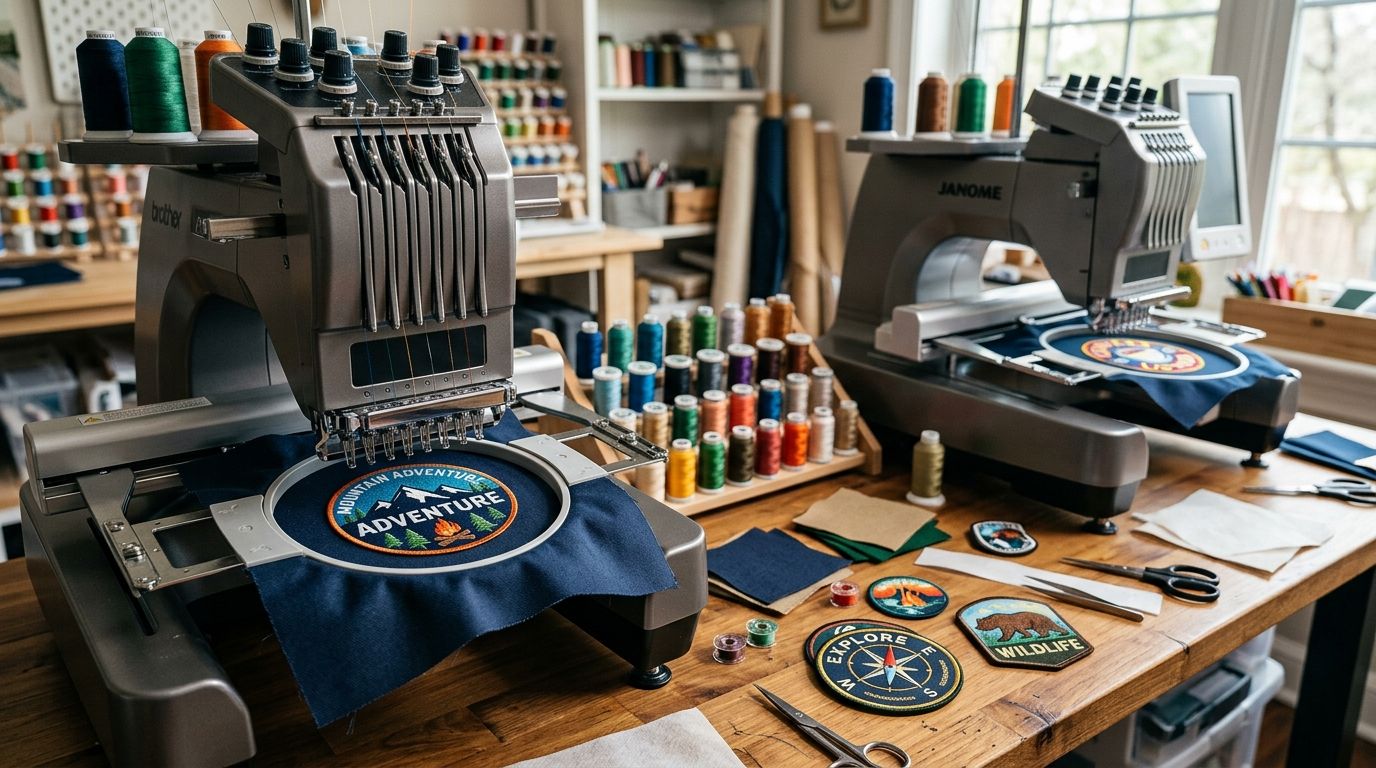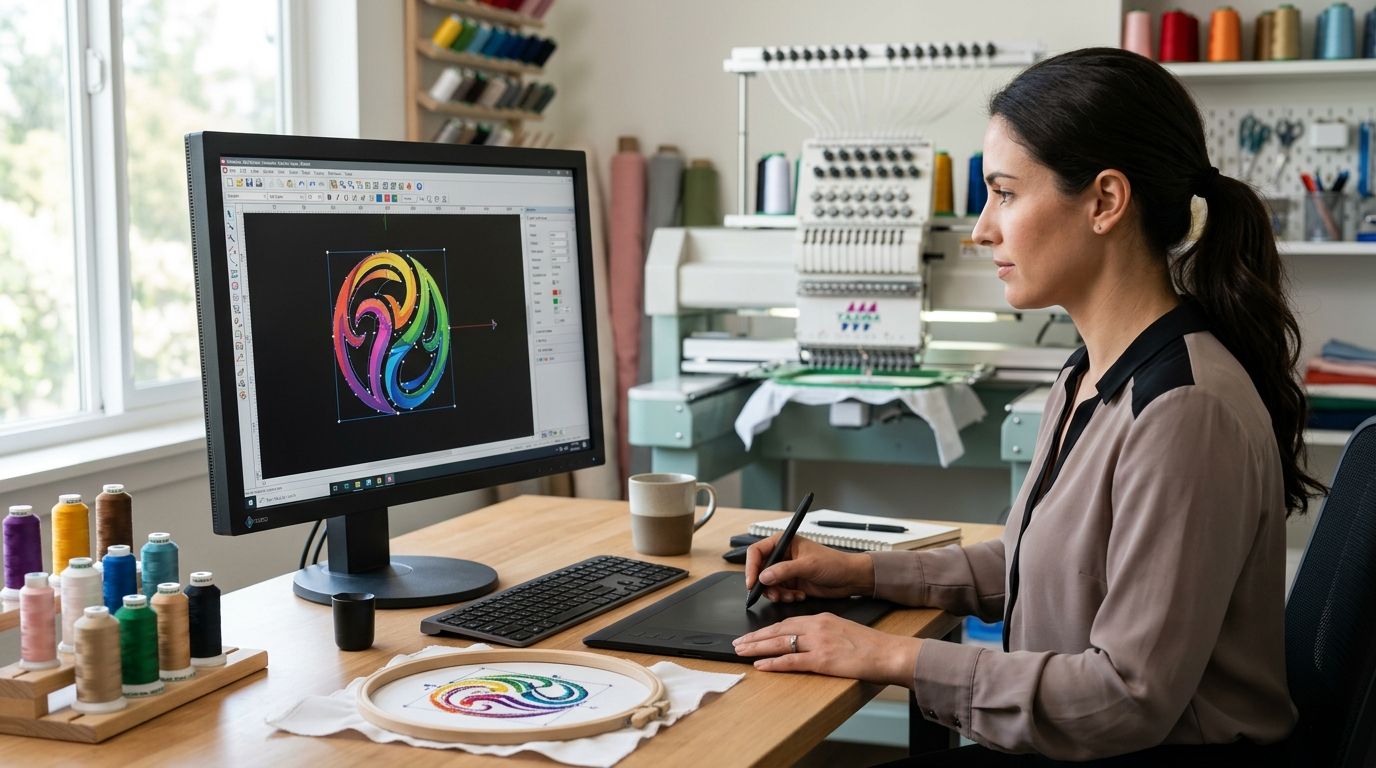
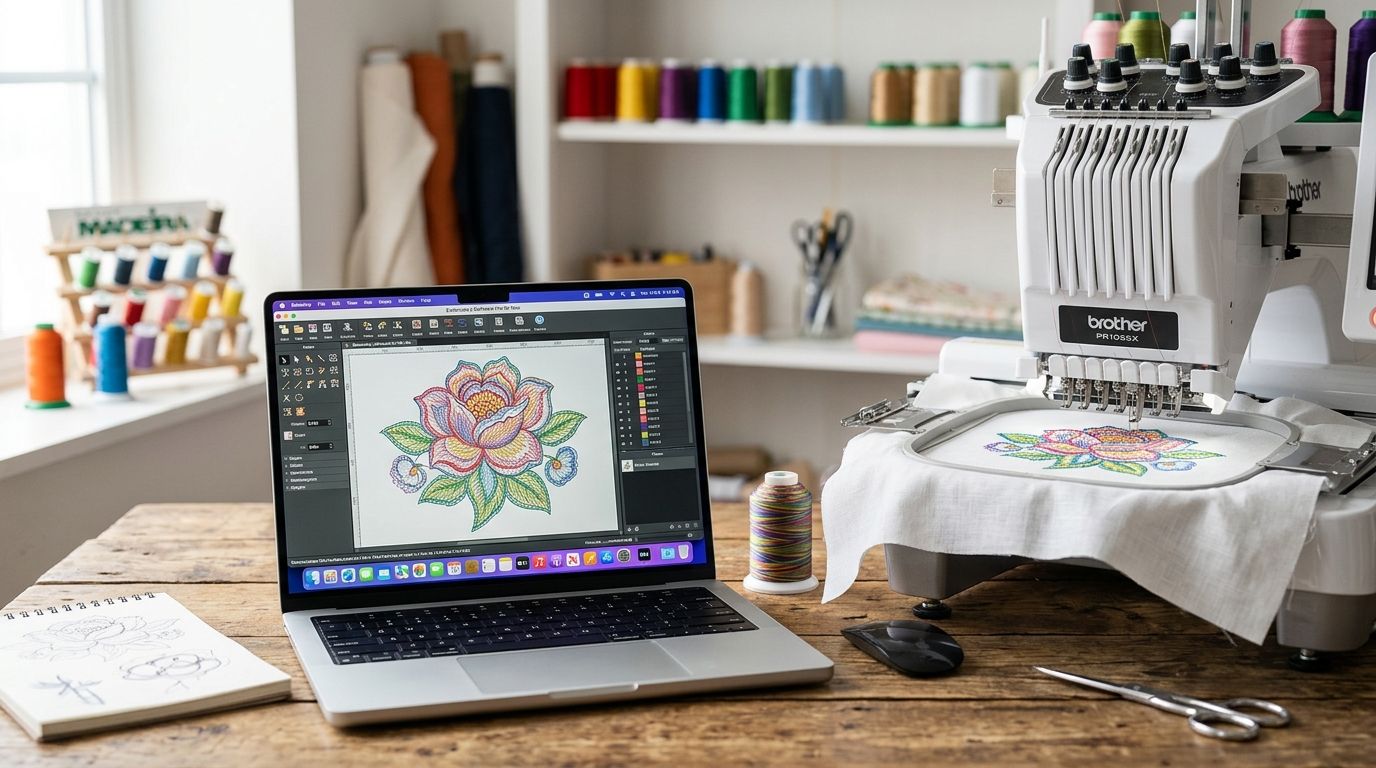
The embroidery digitizing software that actually works on a Mac in 2026 splits into two camps: apps built natively for macOS and Windows programs you have to run through an emulator. Pick the wrong camp and you'll spend more time fighting Parallels than digitizing a single logo.
- Embrilliance is the best overall embroidery software for Mac in 2026 — a native macOS app, no emulator required.
- Ink/Stitch is the best free embroidery software for Mac, running as an open-source Inkscape extension.
- Wilcom Hatch handles the most advanced multi-format digitizing but needs Windows emulation on a Mac.
- Embird and SewArt cover niche editing and simple auto-digitizing jobs, both Windows-only on Mac.
- Sending artwork to a digitizing service skips the software question entirely when turnaround matters more than hands-on control.
Why this matters
Most professional embroidery digitizing software was built Windows-first, because commercial embroidery machine manufacturers wrote their format tools for Windows shops. Mac ownership among small apparel businesses and Etsy sellers keeps climbing, and that group now needs stitch files without buying a second computer.
The practical question isn't which software is "best" in the abstract — it's which one runs on your machine without a virtual layer between you and your file. A program with excellent manual digitizing tools is worth nothing if it takes twenty minutes to boot through Boot Camp every time you open it. The software that wins for Mac users in 2026 is the one that runs natively, not the one with the longest feature list.
If none of that sounds appealing, a digitizing service like DigitEMB turns your artwork into a production-ready stitch file without you touching any of this software at all.
What makes the best embroidery software for Mac
- Native macOS compatibility — runs without Parallels, Boot Camp, or a separate Windows license.
- Format support — reads and writes the machine formats you'll actually send to production: DST, PES, EXP, JEF, VP3.
- Auto-digitizing accuracy — how cleanly the program converts vector or raster artwork into stitch data without manual cleanup.
- Manual editing depth — stitch-by-stitch control for lettering, dense fills, and satin borders.
- Learning curve — how long a new user needs to produce a clean, sew-ready file.
- Community and tutorial support — active forums and video libraries that shorten troubleshooting time.
At a glance
| Software | Best for | Standout feature | Key limitation |
|---|---|---|---|
| Embrilliance | Native Mac embroidery digitizing | Runs on macOS without an emulator | Manual digitizing tools are less deep than Windows-first suites |
| Ink/Stitch | Free embroidery software for Mac | Open-source Inkscape extension, no license cost | Auto-digitizing quality lags dedicated commercial tools |
| Wilcom Hatch | Advanced multi-format professional digitizing | Wide format export list and a strong lettering engine | Needs Parallels or Boot Camp to run on Mac |
| Embird | Editing and add-on modules for existing designs | Modular add-ons for fonts, cross-stitch, and more | Windows-only, so Mac users need a virtual machine |
| SewArt | Simple photo-to-stitch conversion | Fast auto-trace for basic logos and clipart | Struggles with fine detail and small lettering |
1. Embrilliance: best embroidery software for Mac users who want a native app
Embrilliance is built to run on macOS directly, no virtual machine required. It handles the common machine formats and layers in optional add-ons like StitchArtist for hand-digitizing, so you buy depth only when you need it.
Embrilliance pros:
- Runs natively on macOS — no Parallels or Boot Camp needed
- Handles the common formats: DST, PES, EXP, JEF, VP3
- Modular structure lets you add hand-digitizing tools without buying a bigger suite
- Active user forum with searchable troubleshooting threads
Embrilliance cons:
- Interface looks dated next to newer Windows-first competitors
- Advanced manual digitizing tools take longer to learn than the auto-digitizing side
- Some third-party design marketplaces still test files primarily against Windows software
Best for: small studios and Etsy sellers who digitize on a Mac full-time. Verdict: Buy.
2. Ink/Stitch: best free embroidery software for Mac
Ink/Stitch is a free, open-source extension for Inkscape, the free vector editor. It converts paths drawn or imported into Inkscape directly into stitch files, which makes it the only zero-cost option on this list that runs natively across Mac, Windows, and Linux.
Ink/Stitch pros:
- Free and open-source, no license to buy
- Runs on Mac, Windows, and Linux without emulation
- Direct access to Inkscape's vector cleanup tools before digitizing
Ink/Stitch cons:
- Auto-digitizing results need more manual correction than commercial tools
- Steeper learning curve if you don't already know Inkscape
Best for: hobbyists and low-volume sellers testing designs before committing to paid software or a service. Verdict: Buy, if budget is the deciding factor.
3. Wilcom Hatch: best for advanced multi-format professional digitizing
Wilcom Hatch is the software most production-scale digitizing shops standardize on, with deep manual controls for dense fills, satin borders, and lettering. It has no native macOS build in 2026, so Mac users run it through Parallels or Boot Camp.
Wilcom Hatch pros:
- Deep manual digitizing controls for dense fills, satin borders, and lettering
- Exports the widest range of commercial machine formats on this list
- Preferred by many production-scale digitizing shops
Wilcom Hatch cons:
- No native macOS version — requires Parallels or Boot Camp
- Running Windows software inside a virtual machine adds setup time and overhead
- Steep learning curve for anyone new to digitizing
Best for: studios already running Windows via emulation that need production-level lettering and format control. Verdict: Hold — only if you already have a Windows emulator set up.
4. Embird: best for editing and add-on modules on Mac via emulation
Embird is a modular Windows program built around task-specific add-ons — fonts, cross-stitch, applique, and more. It's a long-standing choice among home-based digitizers, but it never got a native Mac build.
Embird pros:
- Add-on modules let you buy only the features you need
- Long track record among home-based digitizers
- Reads and edits most stitch file formats
Embird cons:
- Windows-only, so Mac users need a virtual machine just to open it
- Interface feels dated compared to newer Mac-native apps
- Documentation is dense and not beginner-friendly
Best for: home-based digitizers who already run Windows through Parallels and want modular pricing. Verdict: Wait — skip unless you're already set up on Windows emulation.
5. SewArt: best for simple photo-to-stitch conversion
SewArt is an entry-level auto-digitizing tool built to convert photos and clipart into stitch files fast, with a simpler interface than the professional-grade options above. It's Windows-only, so the same emulation requirement applies.
SewArt pros:
- Fast auto-trace for basic logos and clipart
- Simple interface, short learning curve
- Useful for quick test conversions before a full digitizing pass
SewArt cons:
- Struggles with small text and fine detail
- Windows-only on Mac, same emulation requirement as Embird and Hatch
- Limited manual editing depth for dense or complex designs
Best for: quick one-color logo conversions where precision on fine detail isn't required. Verdict: Skip for anything with lettering under half an inch; buy for simple shapes.
Skip the software and get it digitized
Send your artwork and get a production-ready stitch file back.
How we ranked
Native macOS compatibility carried the most weight, since a program you can't open without a virtual machine fails the basic job. Format support, auto-digitizing accuracy, manual editing depth, and learning curve followed in that order, with community support as a tiebreaker between close matches.
Which embroidery software for Mac should you choose?
Most Mac users digitizing regularly in 2026 should install Embrilliance. It's the only option on this list built for macOS from the ground up, and its modular add-ons scale with your skill level.
If you're testing the waters before spending anything, Ink/Stitch is the better starting point — it's free and runs natively alongside Inkscape. Production shops that already run Windows through emulation should stay on Wilcom Hatch for its format range and lettering engine.
If none of these five make sense for your workload, check how much embroidery digitizing costs in 2026 before deciding whether software or an outside digitizing service saves more time. For a single logo or a short run of patches, paying for a finished stitch file usually beats a month of Parallels troubleshooting.
FAQ
What's the best embroidery software for Mac in 2026?
Embrilliance is the best overall embroidery software for Mac in 2026 because it runs natively on macOS with no Windows emulator required. Ink/Stitch is the strongest free alternative if you already use Inkscape.
Does Wilcom Hatch run on Mac?
Wilcom Hatch has no native macOS build in 2026, so Mac users run it through Parallels or Boot Camp. It's still preferred in many production digitizing shops for its format range and lettering tools.
Is there free embroidery digitizing software for Mac?
Ink/Stitch is free and open-source, running as an extension inside the free Inkscape vector editor on Mac, Windows, and Linux. Auto-digitizing quality is rougher than paid commercial tools, so expect more manual cleanup.
Can Ink/Stitch open DST and PES files?
Yes, Ink/Stitch reads and writes common embroidery machine formats including DST and PES through its Inkscape extension. It works best when the source artwork starts as clean vector paths.
Do I need Parallels or Boot Camp for embroidery software on Mac?
Only if you choose Windows-only software like Wilcom Hatch, Embird, or SewArt. Embrilliance and Ink/Stitch both run natively on macOS without any emulator.
Is Embrilliance good for beginners?
Embrilliance's auto-digitizing side is approachable for beginners, though its manual, hand-digitizing tools take longer to learn than the automated features. Most new Mac users start with the base app before adding StitchArtist for manual control.
How much does embroidery digitizing cost compared to buying software?
Software is a one-time or recurring license cost regardless of how many designs you digitize, while a digitizing service charges per file. Check current embroidery digitizing costs in 2026 before deciding which route fits your volume.
Can I digitize embroidery designs without any software at all?
Yes — sending your artwork to an embroidery digitizing service produces a sew-ready stitch file without installing or learning any program. That route makes sense when you need one clean file rather than an ongoing digitizing workflow.
One last thing
The steepest learning curve on this entire list isn't a digitizing feature — it's Wilcom Hatch running through Windows emulation on a Mac. Most new users spend more hours getting the virtual machine stable than they spend digitizing their first design. If your goal is one clean patch or logo file rather than a long-term digitizing habit, that setup time alone makes an outside digitizing service the faster route in 2026.