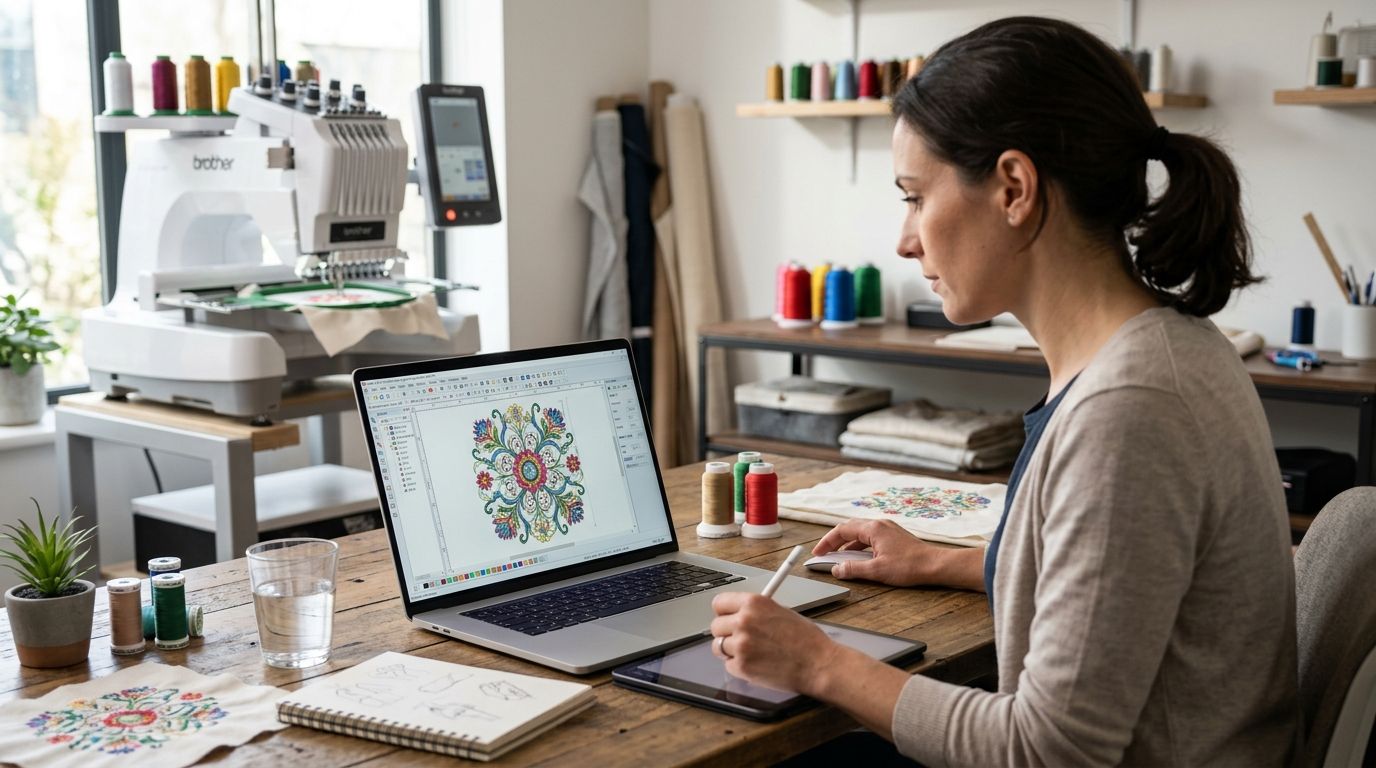
Wilcom EmbroideryStudio is the best overall paid embroidery digitizing software for 2026, built for shops that digitize daily and need full control over stitch types. Embrilliance StitchArtist is the best paid option for Mac users who want a native app instead of a Windows emulator. SewArt is the best budget auto-digitizing tool for occasional projects, and outsourcing to a digitizing service like DigitEMB beats buying software altogether if you don't have anyone on staff who digitizes full-time.
- Wilcom EmbroideryStudio wins for professional shops that need full manual stitch control in 2026.
- Embrilliance StitchArtist is the strongest paid embroidery digitizing software built natively for Mac.
- SewArt is the budget auto-digitizing pick, but expect manual cleanup on every file it produces.
- Hatch Digitizer suits small businesses graduating from free trial software without Wilcom's full price tag.
- Outsourcing to a digitizing service skips the software cost and learning curve entirely.
Why this matters
Auto-digitizing software has gotten better since 2020, but no paid tool in 2026 hands you a production-ready stitch file without at least one manual pass. The real differences between paid embroidery digitizing software come down to how much manual editing control you get, which file formats it exports (DST, PES, EXP, JEF), and whether it runs natively on your operating system.
Buying the wrong tool means either overpaying for features a small shop never touches, or hitting a wall the first time a logo needs custom satin stitch direction. This guide ranks the paid options by who actually needs them, not just feature count.
What makes the best embroidery digitizing software
- Manual point-editing control — the ability to redraw stitch paths, not just accept whatever the auto-trace produces
- Format support — clean export to DST, PES, EXP, JEF, and other machine-native formats
- Specialty stitch handling — chenille, applique, and 3D puff need dedicated tools, not generic fill
- Platform compatibility — native Mac support versus Windows-only with an emulator workaround
- Learning curve — how long it takes a new user to digitize a clean logo without a tutorial open
- Lettering accuracy — how well small text under a quarter inch converts without turning into a solid fill block
Paid embroidery digitizing software at a glance
| Software | Best for | Standout feature | Key limitation |
|---|---|---|---|
| Wilcom EmbroideryStudio | Professional digitizing shops | Full manual stitch-path editing | Steep learning curve for new users |
| Hatch Digitizer | Small businesses scaling up | Simplified Wilcom engine at a lower tier | Fewer advanced stitch effects than EmbroideryStudio |
| Embrilliance StitchArtist | Mac users | Native macOS application | Auto-digitizing is weaker than Wilcom's |
| SewArt | Budget auto-digitizing | Fast bitmap-to-stitch conversion | Heavy manual cleanup required on detailed art |
| Brother PE-Design | Single-brand machine owners | Tight integration with Brother machines | Limited use outside the Brother ecosystem |
| DigitEMB digitizing service | Teams without an in-house digitizer | No software or training required | You depend on turnaround time instead of your own schedule |
1. Wilcom EmbroideryStudio: best paid embroidery digitizing software for professional shops
Wilcom EmbroideryStudio is built for digitizers who work on logos, apparel, and patches every day. It gives you full manual control over stitch density, pull compensation, and underlay, which matters most when a client sends a logo with fine detail that auto-trace tools flatten into a blob.
Wilcom EmbroideryStudio pros:
- Deep manual editing tools for satin, fill, and chenille stitches
- Broad format export covering every major embroidery machine
- Handles complex multi-color logos without simplifying detail
Wilcom EmbroideryStudio cons:
- Long learning curve for anyone new to digitizing
- Overkill for a business that only needs a handful of logos a year
Wilcom EmbroideryStudio pricing: check current tiers directly with Wilcom, since packages change by feature set.
Best for: production shops digitizing multiple designs a week.
Verdict: Buy if you digitize regularly and need manual control over every stitch.
2. Hatch Digitizer: best paid embroidery digitizing software for small businesses scaling up
Hatch Digitizer runs on the same underlying engine as Wilcom's professional line but trims the interface down for smaller operations. It's a natural next step for a shop that outgrew free trial software but doesn't need every advanced tool in EmbroideryStudio.
Hatch Digitizer pros:
- Easier interface than full Wilcom EmbroideryStudio
- Solid auto-digitizing baseline with manual override available
- Good format support for common embroidery machines
Hatch Digitizer cons:
- Fewer specialty stitch effects than the professional Wilcom line
- Still requires a real time investment to learn well
Best for: small apparel or promo businesses digitizing a few designs a month.
Verdict: Buy if you want Wilcom's engine without the full professional feature set.
3. Embrilliance StitchArtist: best paid embroidery digitizing software for Mac
Embrilliance StitchArtist is one of the few paid embroidery digitizing tools built natively for macOS instead of requiring a Windows emulator. That alone makes it the default pick for any Mac-based studio. A full comparison of embroidery digitizing software for Mac walks through how it stacks up against the emulator route.
Embrilliance StitchArtist pros:
- Runs natively on Mac, no Windows workaround needed
- Intuitive manual point-editing for lettering and logos
- Integrates with other Embrilliance modules for lettering and monogramming
Embrilliance StitchArtist cons:
- Auto-digitizing is less refined than Wilcom's
- Smaller user community than Windows-first software
Best for: Mac-based studios that don't want to run Windows software through emulation.
Verdict: Buy if you're on Mac and want a native app over a workaround.
4. SewArt: best budget paid auto-digitizing software
SewArt converts bitmap images into stitch files fast, which makes it a reasonable entry point for someone digitizing occasionally rather than running a shop. It's not built for precision work, but it gets a basic logo onto a machine without a steep learning curve.
SewArt pros:
- Lower cost of entry than professional-grade software
- Fast auto-trace on simple, low-detail artwork
- Straightforward interface for first-time users
SewArt cons:
- Detailed logos need heavy manual cleanup after auto-trace
- Lettering under a quarter inch often converts poorly
Best for: hobbyists or occasional users digitizing simple designs.
Verdict: Hold unless your artwork is simple — complex logos will fight the auto-trace.
5. Brother PE-Design: best paid embroidery digitizing software for Brother machine owners
Brother PE-Design is built around Brother's own machine lineup, so file compatibility and machine-specific settings are tighter than with third-party software. It's a fit if every machine in your shop is a Brother, less so if you run a mixed fleet.
Brother PE-Design pros:
- Tight integration with Brother embroidery machines
- Reasonable manual editing tools for the price tier
- Simpler learning curve than Wilcom's professional line
Brother PE-Design cons:
- Less useful if your machines aren't all Brother
- Fewer advanced stitch effects than Wilcom or Embrilliance
Best for: shops running an all-Brother machine lineup.
Verdict: Buy if Brother machines are your standard equipment.
6. DigitEMB digitizing service: best for teams that want to skip software entirely
Not every business needs to own embroidery digitizing software. If you send a handful of logos a month rather than digitizing daily, paying a per-file digitizing service can cost less than a software license plus the hours spent learning it. DigitEMB converts artwork into stitch-ready files without you touching digitizing software at all, and the same applies to vector artwork conversion when source art needs to be rebuilt as scalable paths first.
DigitEMB digitizing service pros:
- No software purchase or learning curve
- Files come back production-ready for your machine format
- Useful alongside patch and sticker projects that need matching vector art
DigitEMB digitizing service cons:
- Turnaround depends on the provider's queue, not your own schedule
- Ongoing per-file cost instead of a one-time software purchase
Best for: businesses and teams without a dedicated in-house digitizer.
Verdict: Buy if digitizing in-house isn't worth the time investment for your volume. A breakdown of what embroidery digitizing costs in 2026 helps you compare that against a software license.
Skip the software learning curve
Send your artwork and get a stitch-ready file back.
How we ranked these
Each paid embroidery digitizing software option was weighed against the six criteria above: manual editing depth, format support, specialty stitch handling, platform compatibility, learning curve, and lettering accuracy. Wilcom and Embrilliance separated themselves on manual control; SewArt and Brother PE-Design won on accessibility rather than depth.
Which paid embroidery digitizing software should you choose?
If you digitize daily and need full manual control, Wilcom EmbroideryStudio is the strongest paid embroidery digitizing software in 2026. Mac-based studios should default to Embrilliance StitchArtist instead of fighting an emulator. If digitizing isn't a full-time job at your shop, outsourcing to a service that already owns the software — like DigitEMB — usually costs less than buying and learning a new tool for occasional use.
If you make embroidered patches as part of your output, pairing digitizing with the right hardware matters too — see this guide to embroidery machines for custom patches for the equipment side of that decision.
FAQ
What is the best paid embroidery digitizing software in 2026?
Wilcom EmbroideryStudio is the best paid embroidery digitizing software for professional shops in 2026 because it gives full manual control over stitch paths and density. Smaller operations often do better with Hatch Digitizer or Embrilliance StitchArtist.
Is paid embroidery digitizing software worth it over free tools?
Paid software gives you manual point editing, broader format export, and specialty stitch handling that free tools generally lack. If you digitize regularly, that control saves rework time on every complex logo.
What paid embroidery digitizing software works on Mac?
Embrilliance StitchArtist runs natively on macOS without needing a Windows emulator. It's the most direct paid option for Mac-based studios in 2026.
Should I buy software or outsource embroidery digitizing?
If you digitize daily, owning software like Wilcom EmbroideryStudio pays off. If you only need a handful of files a month, outsourcing to a digitizing service skips the software cost and learning curve.
Does auto-digitizing software replace manual editing?
No paid auto-digitizing software in 2026 produces a fully clean file without at least one manual pass, especially on fine lettering and multi-color logos. Auto-trace speeds up the first draft, not the final file.
What file formats does embroidery digitizing software need to export?
Most embroidery machines need DST, PES, EXP, or JEF format depending on the brand. Paid software like Wilcom EmbroideryStudio and Hatch Digitizer export to all of the common formats.
Is Brother PE-Design good for non-Brother machines?
Brother PE-Design is built specifically around Brother's own machine lineup, so it's a weaker fit if your shop runs a mixed fleet of embroidery machines from different brands.
One last thing
Auto-digitizing software still struggles with lettering under a quarter inch in 2026 — most tools convert small text into a solid fill block instead of clean satin columns, no matter how expensive the license. If your logo has fine text, budget time for manual satin-stitch correction regardless of which paid embroidery digitizing software you pick.